Step 1: list the load
Start with a load list rather than a guess. For each item, record:
- rated or measured power in watts (W) or kilowatts (kW);
- power factor, or volt-amperes (VA);
- whether it is single-phase or three-phase, and which phase it is on;
- starting behaviour: electronic, motor, transformer, heater.
Measured figures are better than nameplate figures, which are usually maximums. A clamp meter or a power analyser reading during normal operation gives a realistic base, and the nameplate gives the worst case.
Step 2: kW, kVA and power factor
Two ratings describe a UPS:
- kVA – apparent power, voltage times current.
- kW – real power, what the load actually consumes.
They are linked by power factor (PF):
kW = kVA × PF
The load must fit within both the kW and the kVA rating of the UPS.
| UPS rating | Output PF | Real power available |
|---|---|---|
| 10 kVA | 1.0 | 10 kW |
| 10 kVA | 0.9 | 9 kW |
| 100 kVA | 0.8 | 80 kW |
Modern IT equipment with power-factor-corrected supplies runs close to unity PF. Motors and older equipment run lower. If you only know watts, assume a PF of around 0.9 for a mixed electronic load to estimate VA, then check.
Our single-phase high-frequency online range has output PF 1, so kVA equals kW. Our three-phase transformer-based industrial units have output PF 0.8.
Step 3: allow for growth and margin
Add expected growth over the planned life of the UPS, often three to five years. Then keep the UPS at or below about 80% of its rating at that design load. This margin covers measurement error, inrush and changes nobody planned for.
On three-phase systems, also check each phase. A UPS rated 30 kVA three-phase typically carries about 10 kVA per phase; one overloaded phase limits the whole unit even if the total looks fine.
If the load is uncertain or will grow in steps, a modular UPS lets you add capacity later instead of oversizing now.
Step 4: check inrush
Some loads draw much more than their running current for a short time when switched on. Typical behaviour:
| Load | Approximate starting current |
|---|---|
| Servers, PCs, network gear | Brief inrush; usually handled by the UPS |
| Motor, direct on line | Several times running current, commonly quoted as 6–8× |
| Motor with soft starter | Roughly 2–4× running current |
| Motor on a variable-speed drive | Close to running current |
| Transformer energising | Very high, for a few cycles |
| Laser printers, space heaters | High or heavy cycling load; best kept off the UPS |
A high-frequency online UPS handles inrush through its inverter current limit and, beyond that, transfers the load to static bypass for a moment. That is acceptable for occasional events on a good grid, but not if the load must stay on the inverter during an outage, when no bypass is available.
For motor-heavy loads, either size the UPS for the starting current or use a transformer-based industrial UPS, which tolerates inrush better. See transformer-based vs transformerless.
Step 5: a worked sizing example
A control room has these loads, all single-phase:
| Load | Power |
|---|---|
| 10 servers at 450 W | 4,500 W |
| Network switches and firewall | 600 W |
| Storage | 1,200 W |
| PLC and SCADA workstation | 1,200 W |
| Total today | 7,500 W |
- Growth over five years is estimated at 25%: 7.5 kW × 1.25 = 9.4 kW design load.
- At PF 0.95, that is about 9.9 kVA.
- Keeping loading at or below 80%: 9.4 kW ÷ 0.8 = 11.7 kW minimum rating.
A 10 kVA unit at PF 1 (10 kW) would run at 94% at the design load: too tight. A unit of around 15 kVA with at least 11.7 kW real power fits with margin. Alternatively, keep a 10 kVA unit today and plan a second one in parallel when the load passes about 8 kW.
Step 6: estimate battery runtime
Runtime depends on the power drawn from the battery, the battery’s voltage and capacity, and how fast it is discharged.
Power from the battery
The inverter loses some energy, so the battery must supply more than the load:
P_batt = P_load ÷ η_inv
where η_inv is inverter efficiency on battery, often in the region of 0.92–0.95 for a modern online unit. Use the datasheet value.
A rough ampere-hour estimate
For a lead-acid string with nominal DC voltage V_dc:
Ah ≈ (P_batt × t) ÷ (V_dc × k_rate) × k_age × k_temp
- t – runtime in hours.
- k_rate – the fraction of nameplate capacity the battery delivers at that discharge rate. For VRLA at 15–30 minutes this is roughly 0.5–0.6 of the 10- or 20-hour rating; at 5–10 minutes it is lower still.
- k_age – allowance for capacity loss over life; 1.25 is commonly used so the battery still meets runtime at end of life.
- k_temp – correction if the battery room is colder than 25 °C, where capacity falls.
Worked runtime estimate
Using the control room above, for 20 minutes at the five-year design load of 9.4 kW:
- Assumed inverter efficiency: 0.94, so P_batt = 9,400 ÷ 0.94 = 10,000 W.
- Energy: 10,000 W × 0.333 h = 3,330 Wh.
- Example DC bus: 20 × 12 V blocks = 240 V nominal (the real value depends on the model).
- k_rate for a 20-minute discharge: 0.5. k_age: 1.25. Room at 25 °C, so k_temp = 1.
Ah ≈ 3,330 ÷ (240 × 0.5) × 1.25 ≈ 35 Ah
So the estimate points to one string of twenty 12 V blocks around 40 Ah. Treat it as a starting point. The final selection should use the battery maker’s constant-power discharge table (watts per cell or per block to a stated end voltage), which replaces k_rate with real data.
For lithium-ion
LiFePO4 delivers a much larger share of its nameplate capacity at high discharge rates, so k_rate is closer to the usable depth of discharge set by the BMS. The same runtime usually needs fewer nominal ampere-hours than VRLA. Check the pack’s maximum continuous discharge current against the battery current: here, about 10,000 W ÷ 240 V ≈ 42 A, rising towards the end of discharge as voltage falls.
Common sizing mistakes
- Sizing from nameplate maximums for every item, then adding margin on top.
- Checking kVA and forgetting kW, or the reverse.
- Ignoring per-phase loading on three-phase systems.
- Calculating runtime at today’s load but buying for tomorrow’s.
- Using the battery’s 20-hour ampere-hour figure for a 10-minute runtime.
- Forgetting derating for altitude or high ambient temperature in the datasheet.
Our ranges
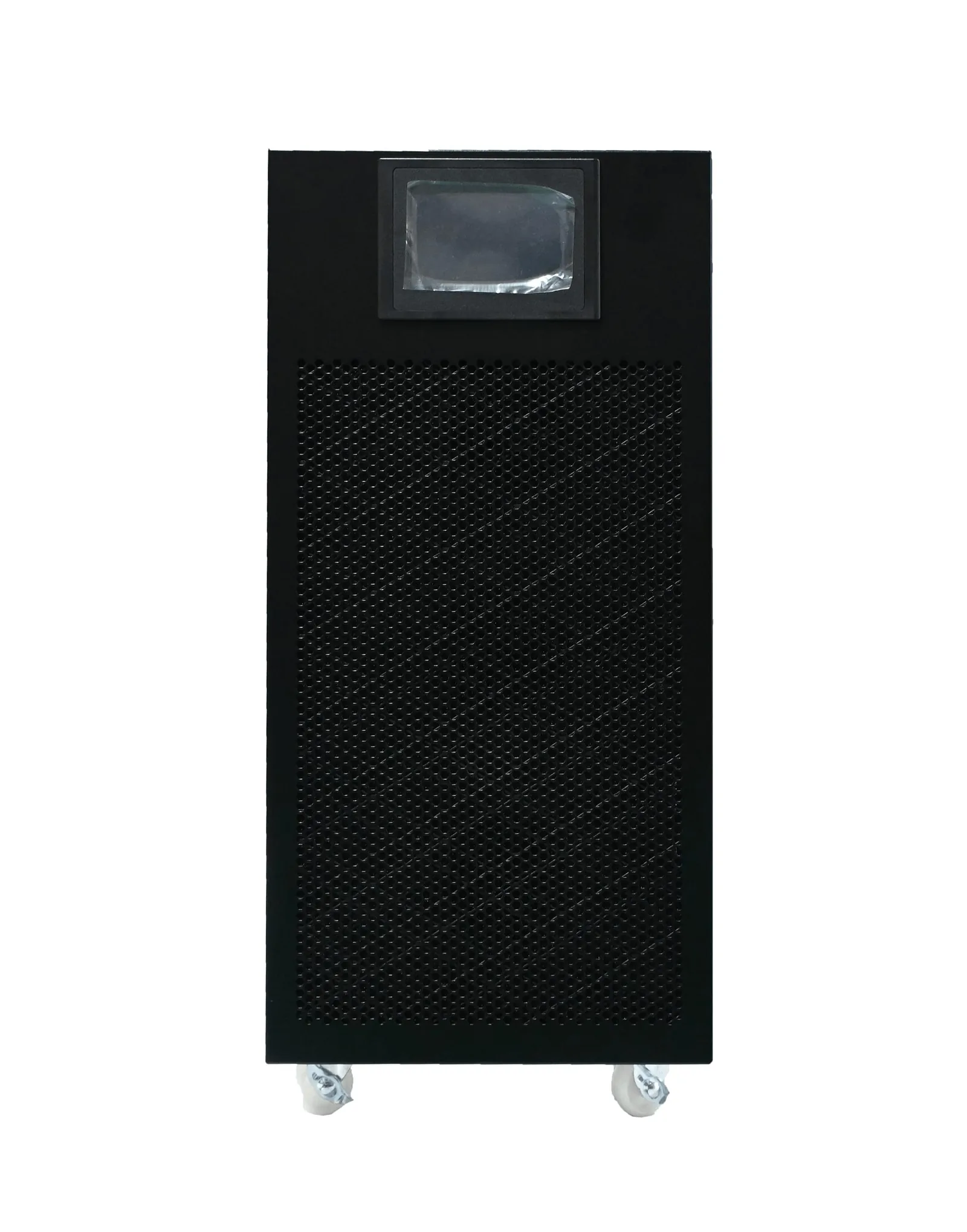
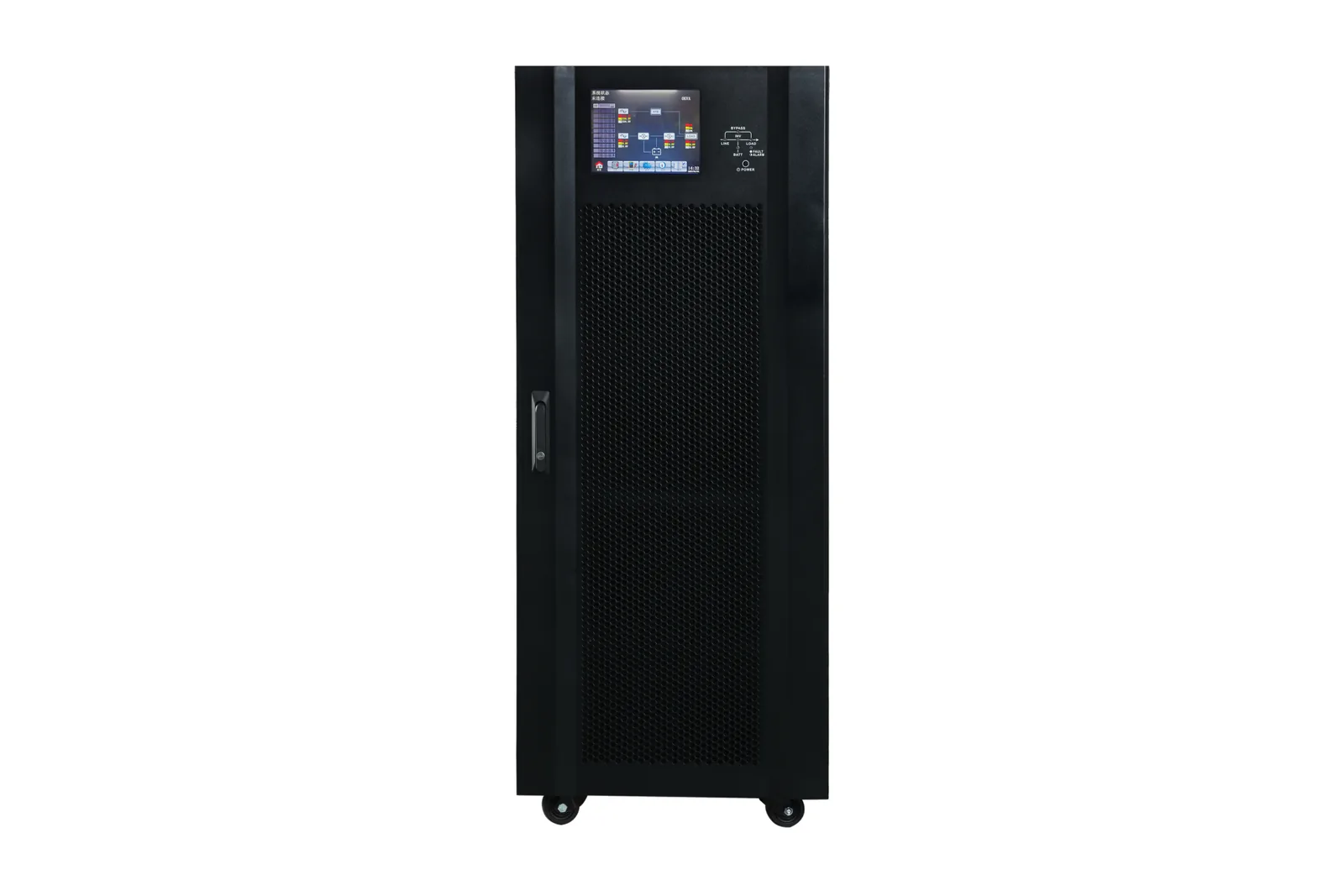
- High-frequency online (H11, H31, H33): 1–600 kVA; single-phase output PF 1; 0 ms mains-to-battery transfer.
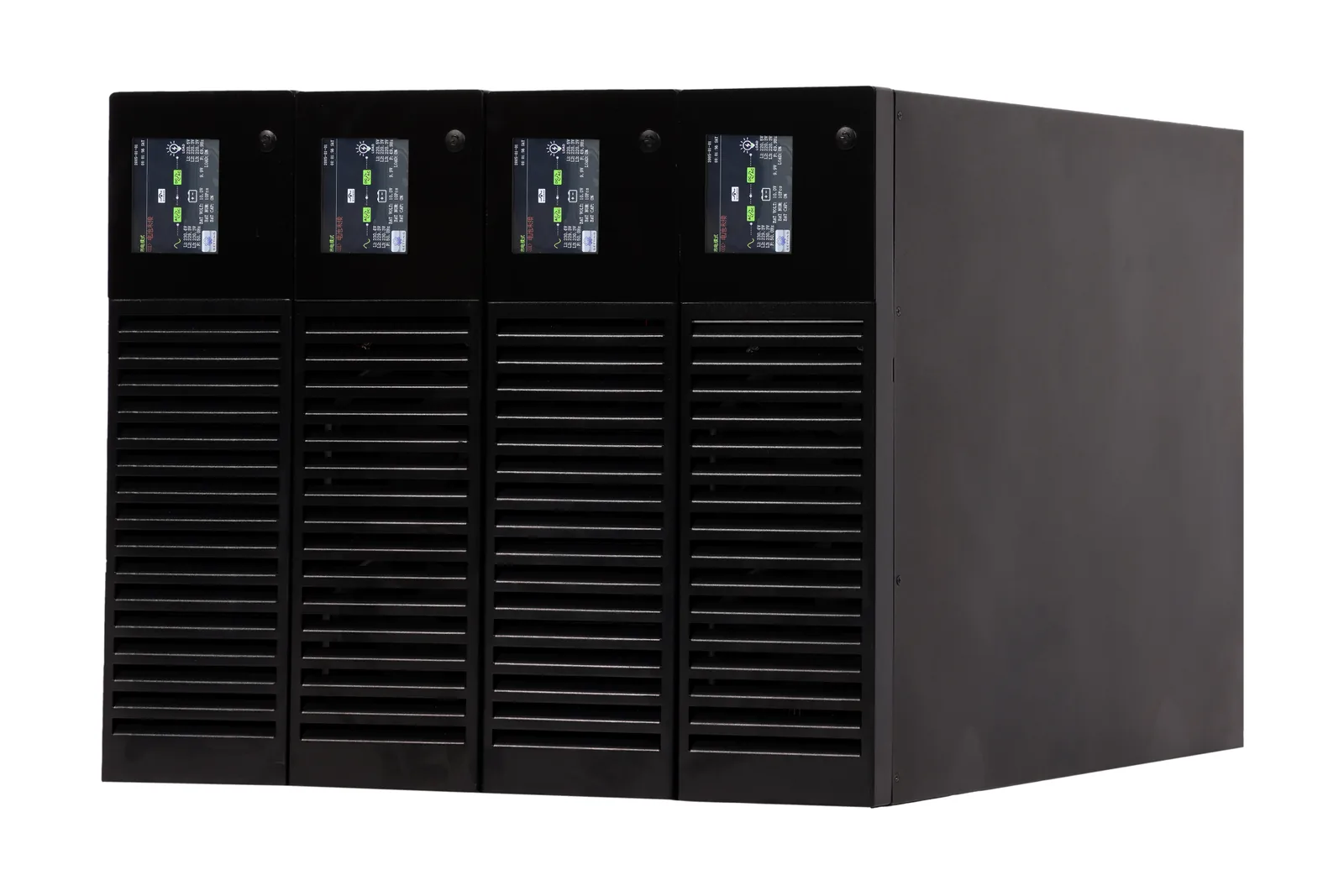
- Modular (M33): 20, 30 or 50 kVA modules, systems 20–600 kVA, N+X.
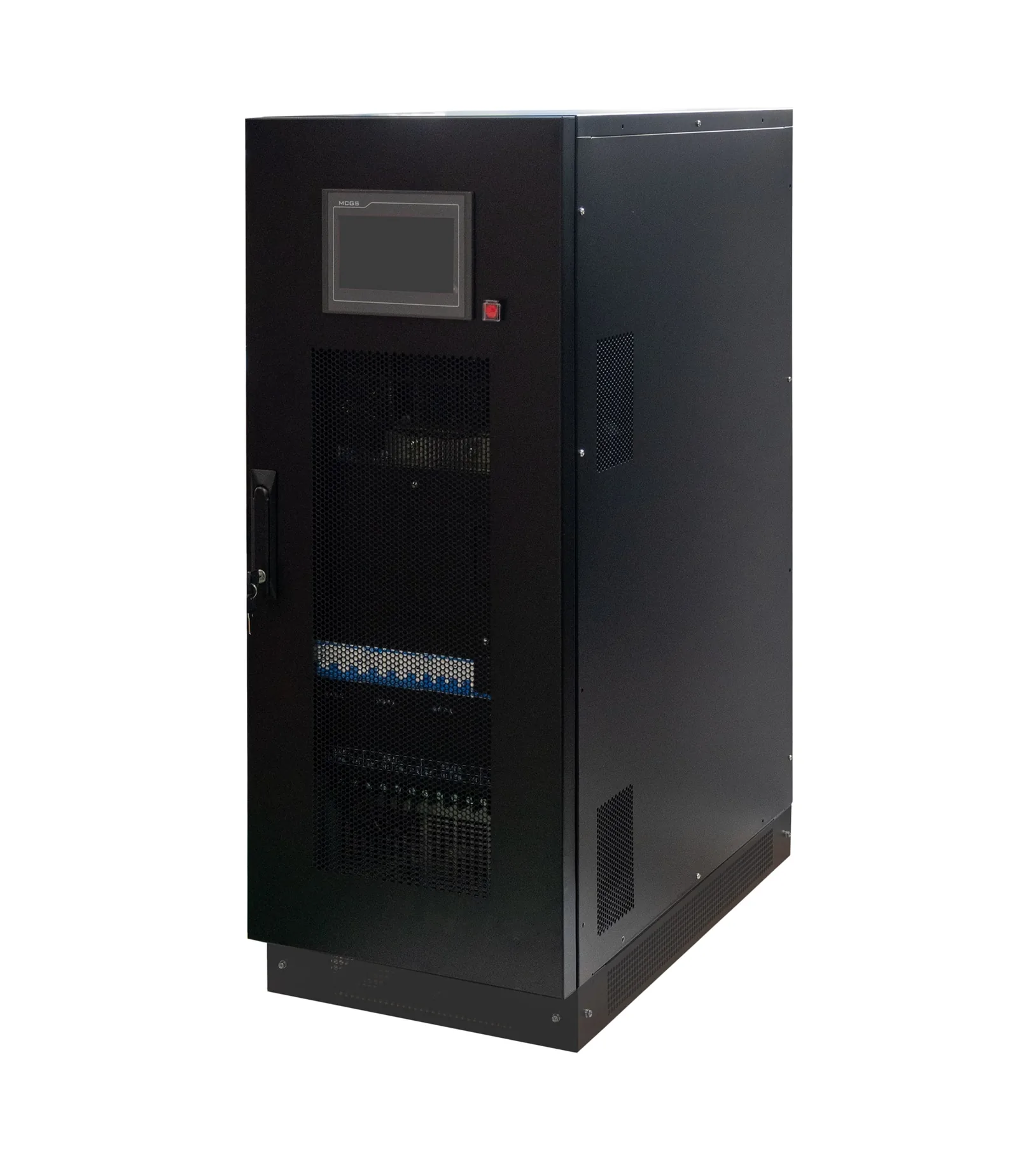
- Transformer-based industrial (X11, X31, X33): 1–800 kVA; output PF 0.8 on three-phase.
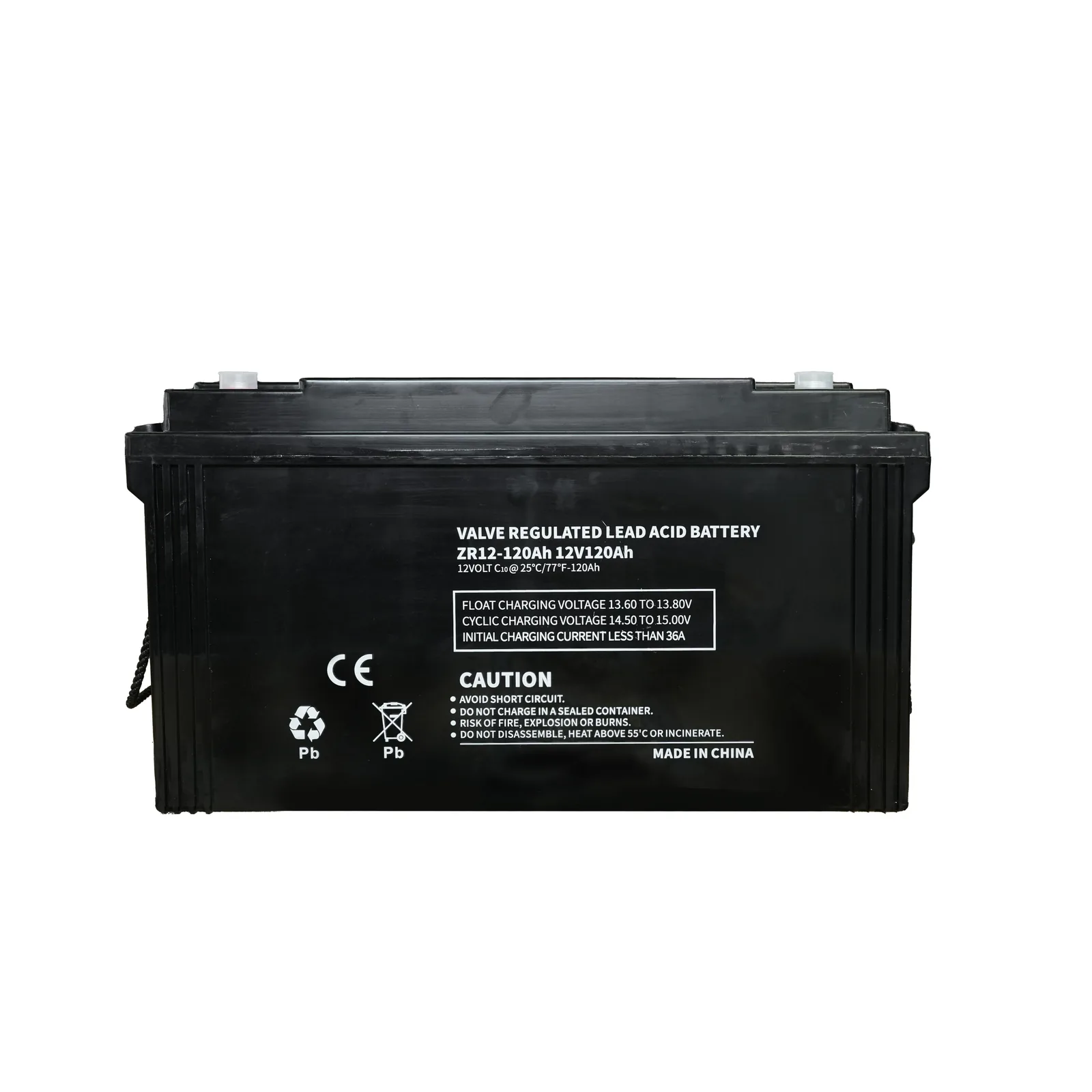
- Batteries: VRLA 12 V 24–250 Ah; LiFePO4 rack batteries 48 V / 51.2 V 20–200 Ah; battery online monitoring system.
Related products
- Single-phase online UPS and three-phase online UPS
- Modular online UPS
- Industrial transformer-based UPS
- VRLA battery and LiFePO4 rack battery
These figures are estimates. Send your load list, runtime target and room temperature through the contact page and we will return a sizing and battery calculation for the exact model.